



Subscribe to Our Updates
Join our community and be the first to receive exclusive insights
You are subscribed now!


.svg)

Products
Solutions
Resources
Multi-Link Operation (MLO) is one of the defining capabilities of Wi-Fi 7 (IEEE 802.11be). It allows a compatible access point and client device to establish and use multiple wireless links at the same time — across different bands (2.4 GHz, 5 GHz, 6 GHz) or different channels within the same band.
In previous Wi-Fi generations, a client device connected to an access point over a single band and channel at a time. If conditions on that link degraded, the device had to disconnect and reconnect elsewhere. MLO removes this constraint by keeping multiple links active and available simultaneously.
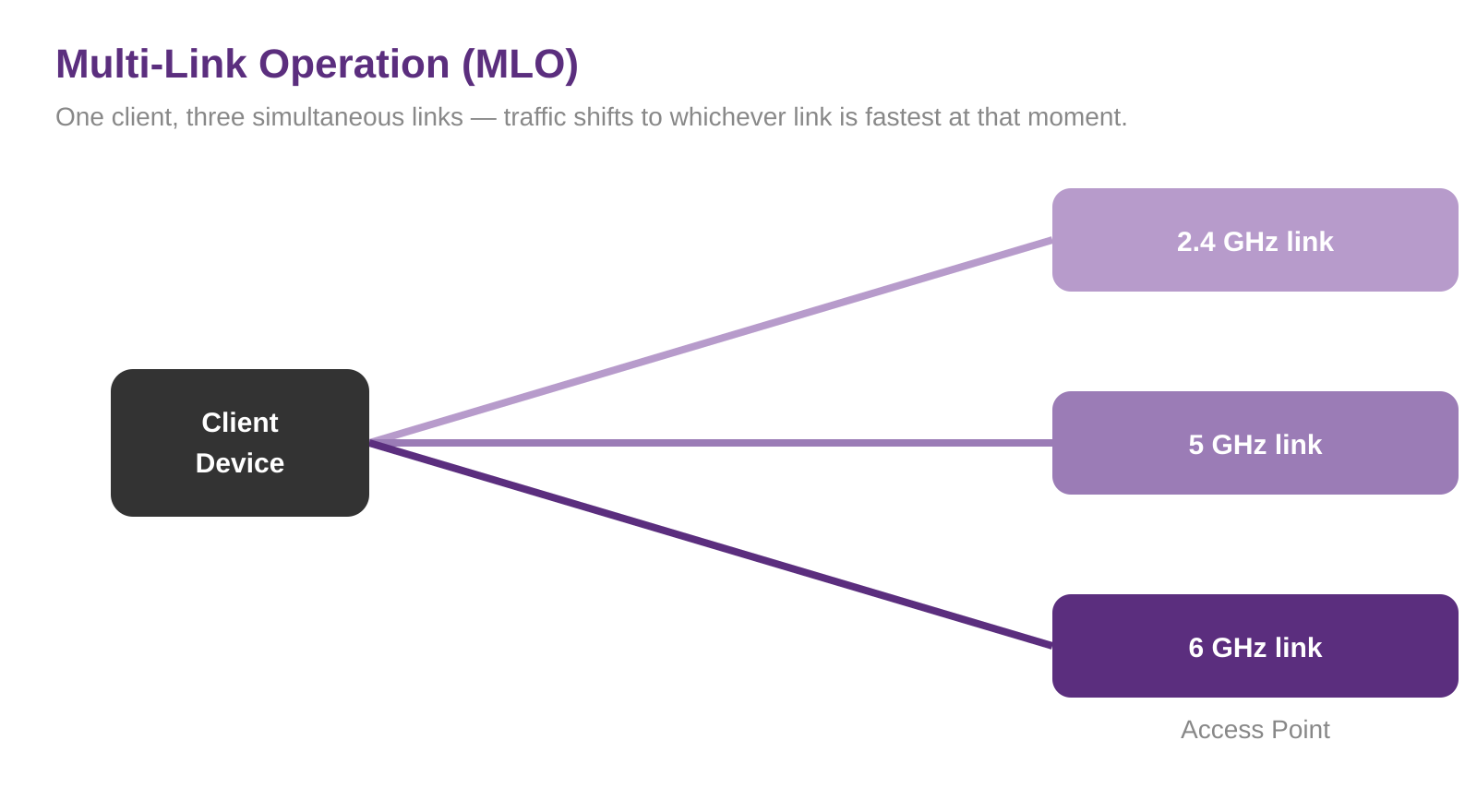
Key takeaway: Multi-Link Operation lets Wi-Fi 7 devices use more than one wireless link at a time, improving throughput, latency, and reliability — particularly for real-time applications and high-density enterprise environments.
Yes. To use MLO, both the Access Point and client device need to support the relevant Wi-Fi 7 Multi-Link capabilities.
MLO can establish links across the 2.4 GHz, 5 GHz and 6 GHz bands. Whether those links can transmit simultaneously depends on the MLO mode and the capabilities of the device.
It can. With Multi-Link Multi Radio Simultaneous Transmit and Receive (MLMR-STR), compatible devices can transmit and receive over multiple links simultaneously, allowing throughput to be aggregated across bands.
MLO gives a device access to multiple links. If one link becomes congested or experiences interference, traffic can use another available link, helping maintain connectivity and performance.