


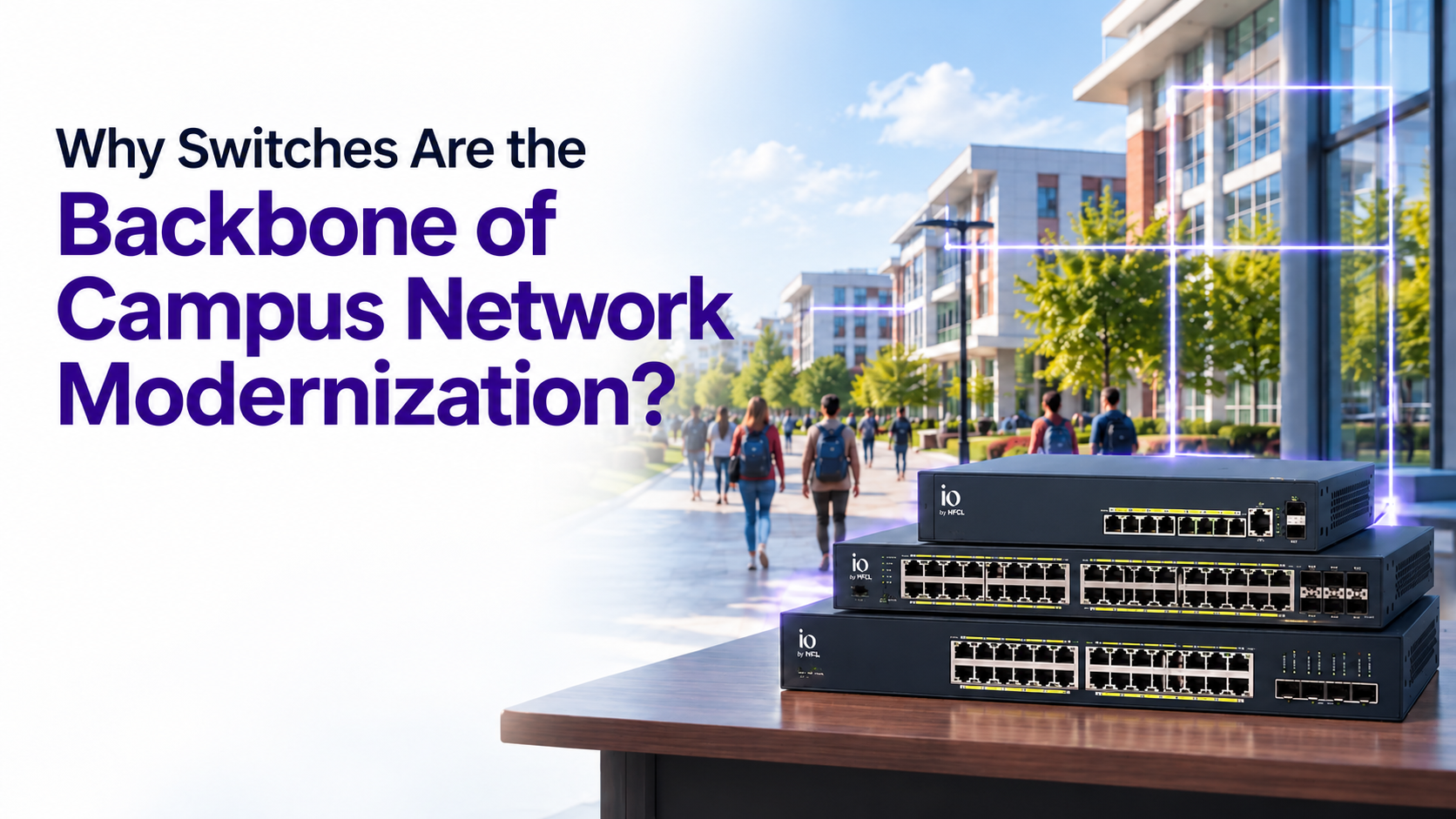
When a campus network struggles, everyone blames the Wi-Fi. Usually, the real story is underneath it. Access points only work as long as the switches are feeding them power and data, and on most ageing campuses, the switching layer is the quiet bottleneck: no redundancy, flat networks with no segmentation, and a different management tool for every vendor. This guide explains why the switch is the part of a campus network modernization that decides everything else, what to look for at each layer, and how the io by HFCL switching portfolio (managed by IO Canvas) is built for the specific demands of an education campus.
In one line: Campus switches carry power, data, segmentation, and resilience for every access point, camera, and device, so the switching layer, not the Wi-Fi, is what makes or breaks a campus network modernization.
The switch is doing more than you think
A switch looks like a passive box in a rack. On a campus, a network switch is doing four jobs at once, and every one of them is load bearing.
It carries the data. Every access point, IP camera, VoIP phone, printer, and IoT sensor connects back through a switch. The switch's capacity sets the ceiling for what the edge can deliver.
It delivers the power. Through Power over Ethernet (PoE), the same cable that carries data also powers the device. One cable to each ceiling-mounted access point, no separate electric wiring , no power socket in the ceiling. That makes the switch the power supply for a large share of campus infrastructure.
It enforces the segmentation. Keeping student traffic separate from finance, research, and administration happens at the switch, through VLANs. Security starts here, not at the firewall.
It provides the resilience. Whether a building stays online during a failure or an upgrade depends on switch-level redundancy and features that reroute traffic automatically.
Get the switching layer wrong, and no amount of good Wi-Fi fixes it. This is why modernization has to start here.
Why campus switching is harder than office switching
An office switch has a predictable job. A campus switch does not, for the same reasons, a campus is not a big office.
The device count is enormous and growing. Students carry two to three devices each, and on top of that sit cameras, sensors, door controllers, and lab equipment, all wired back through switches. The switching layer has to scale with a device population that runs well ahead of headcount.
The power demand is heavy and uneven. A modern campus powers hundreds of access points, entirely over PoE. Wi-Fi 6 and Wi-Fi 7 access points draw more power than older units. If the switch's PoE budget is tight, devices brown out under load, and the fault appears to be a wireless problem when it is really a power issue .
The buildings are spread out. A campus spans dozens of buildings across acres, so switching is not one rack but a tiered system: access switches in each building, aggregation switches tying buildings together, all over fibre. That tiering has to be designed, not assembled.
The network must not go down. There is no quiet hour on a campus. Switches need redundancy and live-upgrade paths so a failure or a firmware update does not take a building offline.
These four pressures are exactly what a campus-grade switching portfolio has to answer.
The three tiers of campus switching
Switches sit in two places on a campus, and the right switch depends on where it goes.
The access layer is the switch inside each building that connects to access points, cameras, and devices that are plugged into directly. It needs of PoE ports and enough capacity to handle everything connected to it. This is where the C1, and C3 Series PoE+ switches live, in 8, 24, and 48-port models.
The aggregation layer connects all the buildings back to the campus core. It needs high-speed fibre uplinks and redundancy, because if it fails, everything below it goes dark. This is the job of the SFP fibre aggregation switch with 24 SFP fibre ports, 10G uplinks, and hot-swappable dual power supplies.
Above both sits IO Canvas, the management layer that runs the whole switching estate from one place, covered later in this guide.
Matching the switch to the layer is the core of good design. An access switch in an aggregation role runs out of uplink capacity; an aggregation switch at the access layer wastes fibre ports , which could have been used for copper or PoE.
Choosing the right network switch: The IO portfolio
The io by HFCL switching portfolio is built in three series so a campus can match cost and capability to each zone, rather than overpaying for capability it will not use.
C1 Series (cost-efficient L2). Straightforward, reliable L2 managed switches for the access layer where advanced routing is not needed. The 8-port HSP-IO-8GE2S-C1PA offers 24 Gbps switching capacity with PoE+; the 24-port and 48-port models scale to 128 and 176 Gbps. This is the workhorse for standard classroom and office wiring closets.
C3 Series (L3 Lite). Full L3 managed switches with dynamic routing, for the aggregation layer and for larger buildings that need inter-VLAN routing locally. The 24-port HSP-IO-24GE4XS-C3PA+ delivers 128 Gbps switching, a 370W PoE budget, and OSPF and RIP routing; the 48-port HSP-IO-48GE4XS-C3PA+ scales to 176 Gbps and 130.944 MPPS.
Industrial variant. For harsh environments (outdoor cabinets, workshops, agricultural or engineering campuses), the HSP-IO-8GE2S-I2PDH+ operates from -40C to 75C with dual DC power supplies.
Two specifications matter most when choosing:
PoE budget. This is the total power a switch can deliver across all its ports. It must cover every powered device plus headroom for future, higher-power access points. The 24-port C3PA+ carries a 370W budget precisely so a full complement of Wi-Fi 6 and Wi-Fi 7 access points has room to draw power without starving.
Uplink capacity. The 4x 1/10G SFP+ uplink ports let each switch connect upstream over fibre or copper, so the access layer never becomes the chokepoint between the edge and the core.
Segmentation and security live in the switch
The most overlooked truth about campus security is that much of it is enforced in the switch configuration, not in a separate appliance. The io switches carry a deep security feature set at the access layer.
VLAN segmentation
Support for up to 4094 VLAN IDs, plus private VLANs, MAC-based and protocol-based VLANs, and dynamic VLAN registration (GVRP/MVRP). This is how students, faculty, staff, guests, and IoT are separated onto different virtual networks on the same physical switch, so a compromised device in one group cannot reach another.
Identity-based access
802.1X port security with RADIUS accounting and dynamic VLAN assignment, plus downloadable ACLs, means a user's access policy follows them to whichever port they connect to. Combined with TACACS+, RADIUS, and RADSec support, this ties network access to identity rather than to a physical port.
Threat defence at wire speed
DHCP snooping blocks rogue DHCP servers. Dynamic ARP Inspection stops ARP-spoofing and man-in-the-middle attacks. IP-MAC binding and sticky MAC tie devices to ports. Storm control caps broadcast, multicast, and unknown-unicast floods. IPv6 Source Guard and DHCPv6 Guard extend the same protection to IPv6. These defend against the exact attacks an open, BYOD-heavy campus invites, and they run on the access switch without a separate box.
The practical point: segmentation and hardening are not extras bolted on later. On a well-designed campus they are configured into the switching layer from day one.
Resilience: the network cannot go down
A campus has no maintenance window when nobody is online. The switching layer has to stay up through failures and upgrades, and the io switches carry the features that make that possible.
Redundant power
The aggregation switches (the C3AH+ models) use hot-swappable dual AC power supplies, so a failed supply can be replaced without taking the switch down.
Ring resiliency
ERPS (ITU-T G.8032) lets switches be wired in a ring so that if one link breaks, traffic reroutes around the ring in milliseconds, with no outage. STP, RSTP, and MSTP with root and edge protection prevent loops and speed recovery. UDLD detects one-way link failures before they cause problems.
Link aggregation
LACP-based and static LAG bundle multiple links between switches, giving both more bandwidth and automatic failover if one link drops.
Together these mean a single cable cut, a failed power supply, or a firmware update does not become a building-wide outage, which on a campus is the difference between a non-event and a flood of complaints.
Management: one platform, not one tool per brand
Here is the problem most campuses actually live with: a different management tool for every vendor in the rack, and multi-node platforms that are a nightmare to run at scale. Fragmented management is where thin IT teams lose their days.
IO Canvas is the answer to this. It manages the entire switching estate, alongside the access points and firewall, from a single cloud or on-premise platform. It brings the switching layer the same intelligence it gives the wireless:
Zero-touch provisioning
A new switch pulls its own configuration automatically the moment it is connected (over FTP, TFTP, SCP, or SFTP). For a campus deploying or replacing dozens of switches, this removes the biggest source of manual effort and misconfiguration.
Single-pane visibility
One unified view of every switch, port, and connected device across the whole campus, wired and wireless together, rather than a separate console per brand.
Predictive operations and FCAPS
IO Canvas applies fault, configuration, accounting, performance, and security management across the switching layer, catching problems early and cutting the time to resolve them. A single instance scales to a large multi-campus estate.
Centralised policy
Segmentation and access policies are defined once and pushed everywhere, instead of configured switch by switch. This is the difference between managing a switching estate and fighting it, and it is where a modernization actually pays off in staff time.
Campus network modernization is about much more than faster Wi-Fi or higher internet bandwidth. It starts with building a wired foundation that can securely connect, power, and manage thousands of users and devices without compromise. Modern switches have evolved from simple connectivity devices into intelligent infrastructure that enables segmentation, resilience, scalability, and operational efficiency across the entire campus. Institutions that invest in the right switching architecture today will be better prepared to support emerging technologies such as AI-powered learning, IoT, smart classrooms, and Wi-Fi 7, while ensuring a reliable and secure digital experience for students, faculty, and staff. In the end, the strength of every modern campus network depends on the strength of the switching layer that powers it.






.svg)